
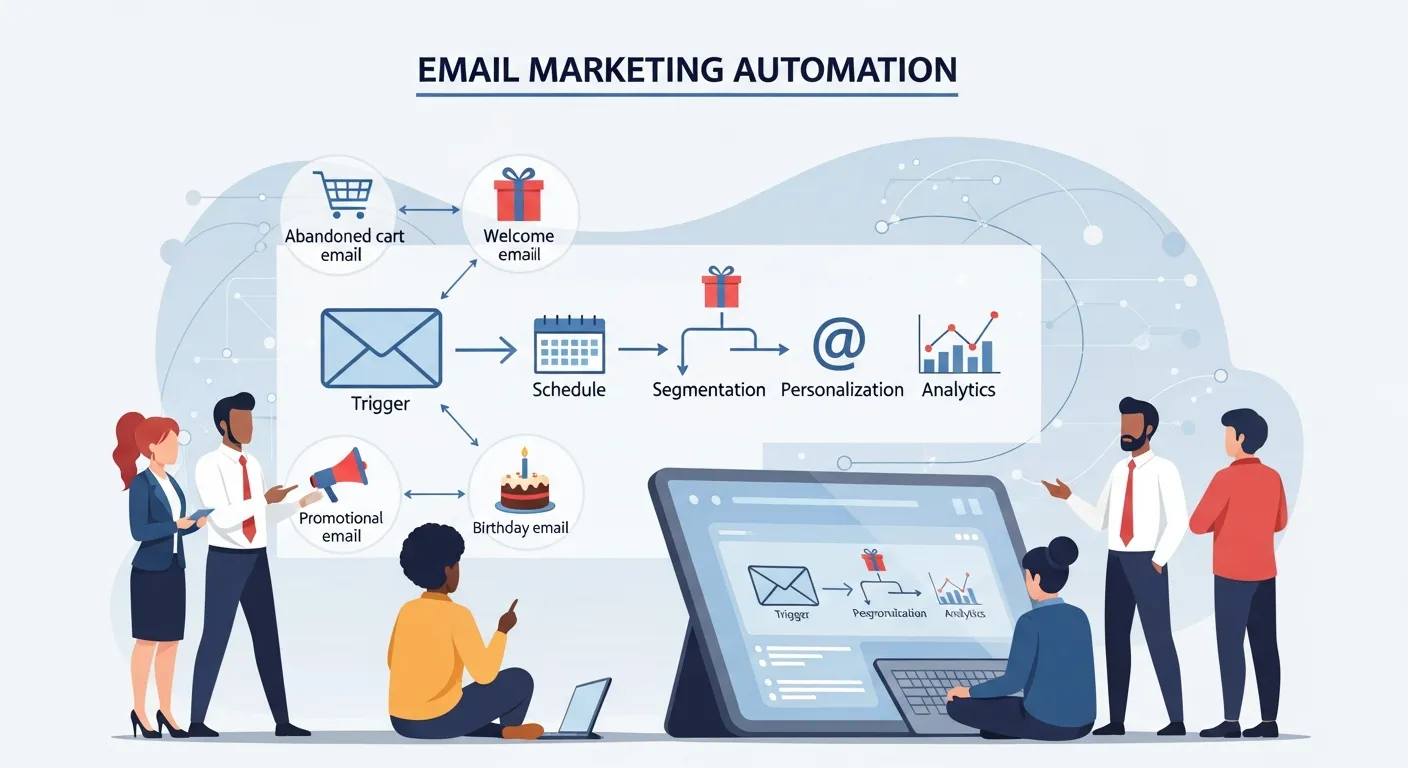
This comprehensive guide covers everything you need to know to master automated email workflows. You will learn how to set up effective campaigns, explore high-converting workflow examples, and discover actionable tips to optimize your strategy. By implementing these practices, you can save valuable time, increase your conversion rates, and deliver highly personalized experiences to your audience.
Imagine having a dedicated assistant who works around the clock, sending the perfect message to the right customer at exactly the right time. That is the power of email marketing automation. By leveraging behavior-triggered emails, you can drive sales, nurture leads, and build lasting customer relationships without lifting a finger.
Understanding the Power of Automated Emails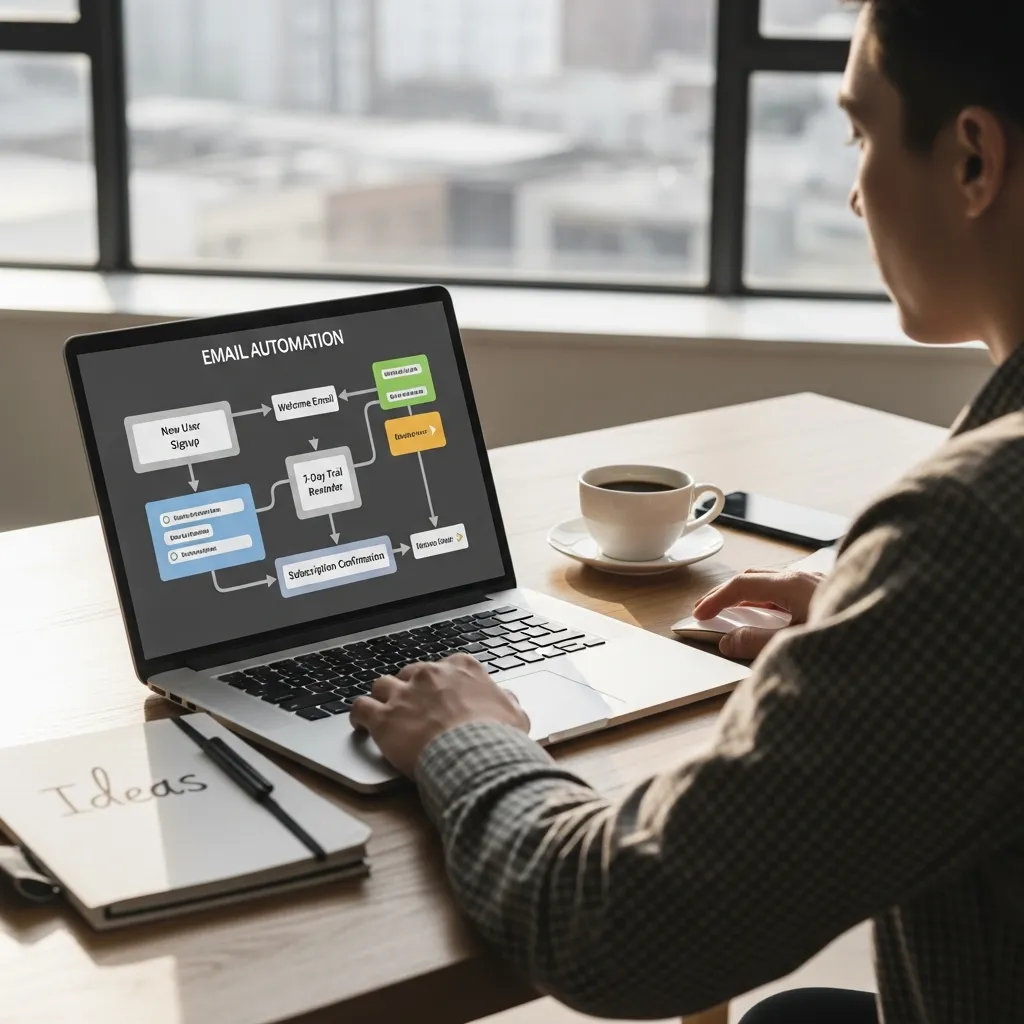
Email marketing automation uses predefined rules to trigger messages based on specific actions your customers take. Instead of manually writing and sending every broadcast, you set up intelligent workflows that do the heavy lifting for you. When a user joins your mailing list, abandons a shopping cart, or celebrates a birthday, the system automatically sends a relevant, personalized message.
This approach shifts your strategy from mass broadcasting to precision targeting. According to industry data from Mailchimp, automated messages generate significantly higher open and click-through rates compared to standard promotional blasts. This is because the content is highly relevant to the user’s current stage in the buyer’s journey.
If you want to scale your business effectively, relying on manual sends is no longer an option. Automation ensures that no lead falls through the cracks, seamlessly integrating with your broader omnichannel marketing strategy to deliver a cohesive brand experience.
How the System Actually Works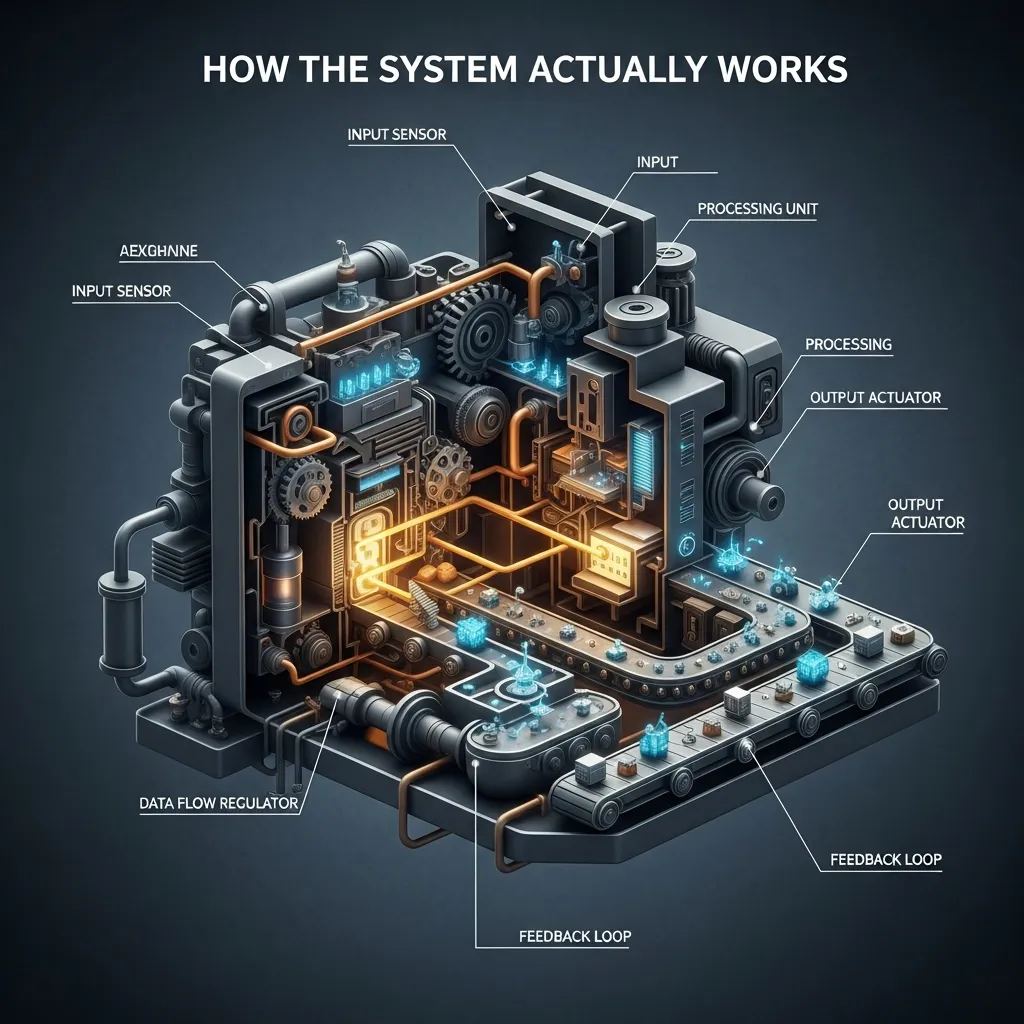
To grasp the mechanics of email marketing automation, you need to understand three core components: triggers, rules, and actions.
1. Triggers
A trigger is the specific event that kicks off your workflow. This could be a behavioral action, such as a user clicking a link, downloading a whitepaper, or browsing a specific product category. It can also be a time-based event, like an annual subscription renewal date.
2. Rules
Rules determine the conditions under which the email sends. For example, you might set a rule that an abandoned cart email only triggers if the user has more than $50 worth of items in their cart and has not completed the purchase within two hours. Rules help you segment your audience so your email marketing automation stays incredibly relevant.
3. Actions
The action is the final step—the actual sending of the email. Actions can also include internal operational steps, such as updating a contact’s status in your CRM or tagging them as a high-intent buyer.
Essential Workflows You Need to Build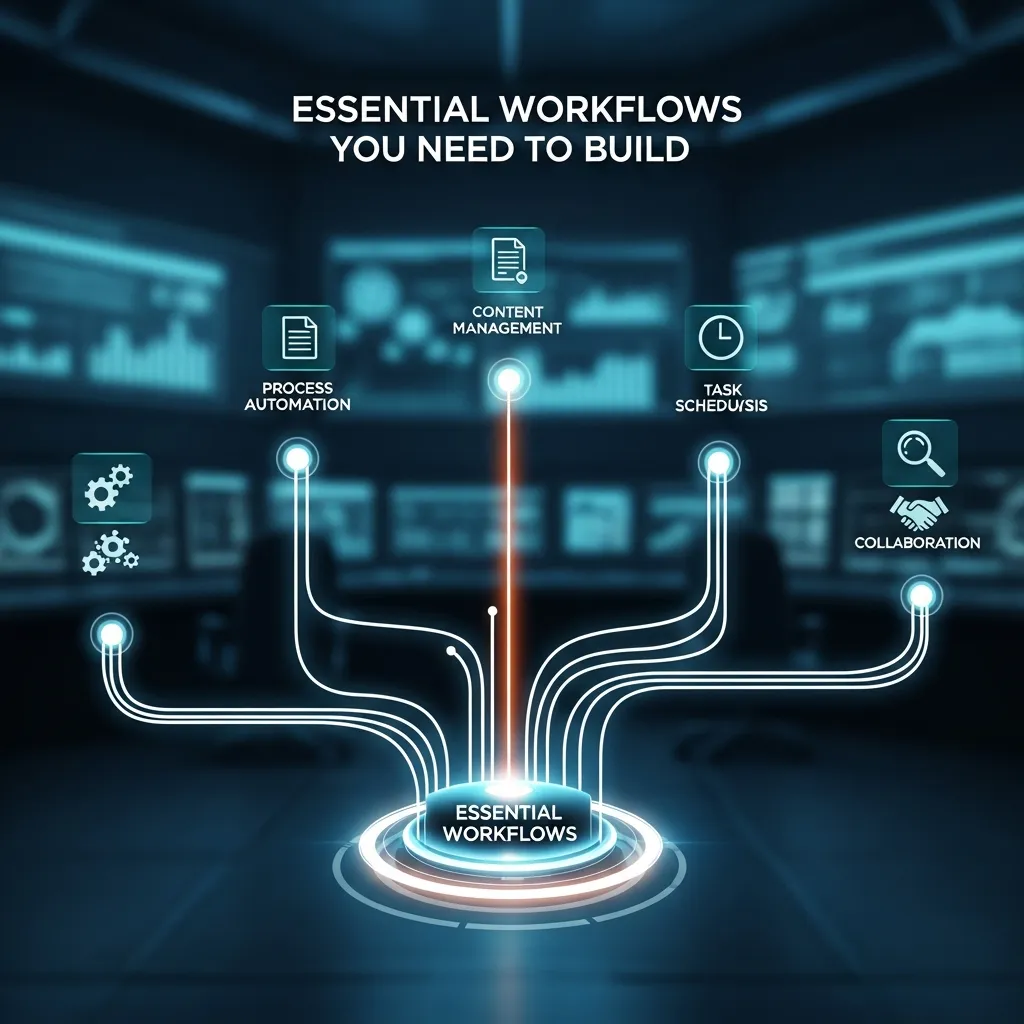
If you are just getting started, you do not need to build dozens of complex sequences. Begin with these fundamental workflows that consistently drive the highest return on investment.
The Welcome Series
The welcome series is your digital first impression. When a new subscriber joins your list, their interest in your brand is at its absolute peak. Do not waste this moment with a generic “Thanks for subscribing” message.
Instead, craft a three-part welcome sequence.
- Email 1: Deliver the lead magnet or discount code you promised during sign-up. Introduce your brand’s core mission.
- Email 2: Sent 24 hours later. Highlight your best-selling products or most popular content.
- Email 3: Sent 48 hours later. Share a customer success story or invite them to follow your social media channels.
A strong welcome sequence is a cornerstone of effective lead generation techniques.
Abandoned Cart Recovery
Shopping cart abandonment is a massive hurdle for online retailers. Shoppers get distracted, encounter unexpected shipping costs, or simply decide to wait. Email marketing automation allows you to win back these lost sales.
Set up a trigger to fire one hour after a cart is abandoned. Keep the message helpful rather than pushy. A simple “Did you forget something?” subject line works wonders. If they do not convert, send a second email 24 hours later offering a small incentive, like free shipping or a 10% discount.
The Post-Purchase Nurture
The customer journey does not end at the checkout page. Post-purchase workflows are critical customer retention strategies.
Immediately after a purchase, send an order confirmation and shipping details. A few days after delivery, trigger an email asking for a product review. A week later, send an email cross-selling a complementary product. For instance, if they bought a coffee machine, recommend your best-selling espresso beans.
The Re-Engagement (Win-Back) Campaign
Over time, some subscribers will stop opening your emails. Continuing to send messages to unengaged contacts hurts your overall deliverability. A win-back campaign identifies users who have not opened an email in 90 days and attempts to re-engage them.
Send a compelling offer with a subject line like “We miss you!” If they do not engage with the win-back sequence, use your email marketing automation tools to automatically scrub them from your active list. This maintains your sender reputation.
Manual vs. Automated Email Campaigns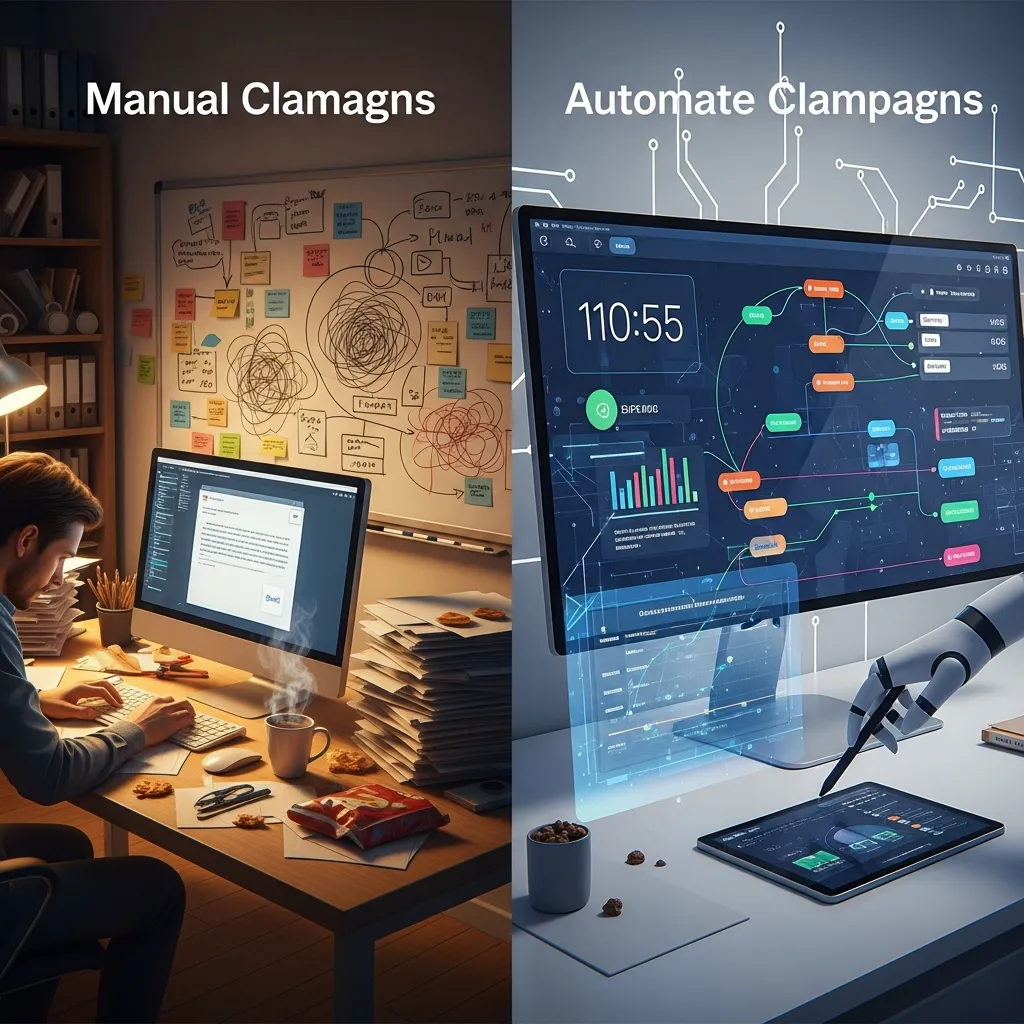
To clearly illustrate the value of upgrading your strategy, review this comparison of manual versus automated approaches.
|
Feature |
Manual Email Marketing |
Email Marketing Automation |
|---|---|---|
|
Sending Method |
Batch-and-blast to entire lists |
Triggered by individual user behavior |
|
Personalization |
Low (Basic name tags) |
High (Based on browsing and purchase history) |
|
Time Investment |
High (Requires constant drafting and scheduling) |
Low (Set it up once, runs continuously) |
|
Relevance |
General topics for broad audiences |
Hyper-specific to the user’s exact context |
|
Scalability |
Hard to scale as the list grows |
Scales effortlessly regardless of list size |
|
Sales Conversion |
Average to Low |
Exceptionally High |
Step-by-Step Guide to Launching Your Strategy
Ready to transform your communication? Follow these actionable steps to build your first automated workflow.
Step 1: Define Your Goal
Never build a workflow without a clear objective. Are you trying to educate new software users? Drive repeat purchases for a consumable product? Recover lost revenue? Your goal dictates the content, timing, and audience of your email marketing automation.
Step 2: Choose the Right Platform
Select a platform that aligns with your business size and technical capabilities. Look for software that offers a visual workflow builder, robust segmentation, and seamless integrations with your e-commerce platform or CRM. Authoritative tools like HubSpot provide extensive resources to help you manage your digital ecosystem.
Step 3: Map Out the Customer Journey
Grab a whiteboard or a digital mapping tool. Chart exactly what the user should experience. Decide how many days should pass between each email. Determine what happens if a user clicks a link versus if they ignore it. Visualizing the path prevents logical errors in your setup.
Step 4: Write Compelling Copy
Automated emails must sound human. Write conversational, engaging copy that focuses on the recipient’s needs. Use copywriting best practices to keep your paragraphs short and your calls-to-action crystal clear. Make sure your subject lines create curiosity without relying on clickbait.
Step 5: Test and Activate
Before pushing your workflow live, send test emails to your own inbox. Check every link on both desktop and mobile devices. Verify that the personalization tags populate correctly. Once you are confident everything works, activate the workflow.
Step 6: Monitor and Optimize
Automation does not mean “set it and forget it.” Review your analytics monthly. Look at your open rates, click rates, and conversion metrics. Use A/B testing to try different subject lines or sending delays. Continuous refinement is the heart of conversion rate optimization.
Pro Tips for Maximum Impact
To elevate your email marketing automation from functional to exceptional, apply these expert-level strategies.
Segment Ruthlessly: Do not treat all buyers the same. Segment your audience based on their average order value, geographic location, or product preferences. A customer who spends $500 deserves a different automated experience than a customer who spends $15.
Optimize Send Times: Use the data gathered by your platform to send emails when specific users are most likely to open them. Many modern platforms use predictive analytics to deliver messages at the optimal hour for each individual inbox.
Mix Content with Commerce: If every automated email asks for a sale, your subscribers will quickly tune out. Balance your promotional messages with educational content. Share industry insights, how-to guides, and entertaining stories that add genuine value to their day.
Keep Design Clean: While beautiful graphics are appealing, overly complex HTML designs can trigger spam filters or display incorrectly on mobile devices. Use clean, single-column layouts that prioritize readability and guide the eye directly to your call-to-action.
Common Mistakes to Avoid
Even seasoned marketers stumble when configuring their systems. Avoid these frequent pitfalls to keep your campaigns running smoothly.
Ignoring Deliverability Best Practices: You can build the perfect workflow, but it means nothing if your emails land in the spam folder. Regularly clean your list, authenticate your sending domain, and avoid spam-trigger words in your subject lines.
Sending Too Many Emails: Bombarding your subscribers will skyrocket your unsubscribe rate. Space out your messages logically. Ensure your workflow settings prevent a user from receiving a broadcast newsletter on the same day they receive an automated sequence email.
Failing to Update Content: An automated email written three years ago might reference outdated products, broken links, or old branding. Schedule a quarterly audit to review all active sequences. Ensure your messaging remains accurate and visually aligned with your current brand standards.
Siloing Your Channels: Your email marketing automation should not exist in a vacuum. Coordinate your efforts across all platforms. For example, if you use text messaging to reach customers, make sure you avoid common sms marketing mistakes—like sending a promotional text and a promotional email at the exact same minute. Stagger your communications to create a natural, multi-channel dialogue.
Conclusion
Implementing a robust email marketing automation strategy is one of the most profitable decisions you can make for your business. By delivering timely, personalized messages based on real user behavior, you provide immense value to your audience while driving consistent revenue. Stop wasting hours on manual email blasts. Map out your first welcome sequence, choose a reliable platform, and let automation transform your growth strategy today.
Frequently Asked Questions
What is email marketing automation?
Email marketing automation is the use of software to send targeted, timed emails to subscribers based on predefined rules, triggers, and user behaviors, eliminating the need to send messages manually.
How does email marketing automation increase ROI?
Because automated emails are triggered by specific user actions—like abandoning a cart or joining a list—they are highly relevant. This relevance leads to higher open rates, increased click-throughs, and ultimately, more conversions and sales.
What is the best workflow for beginners to start with?
The welcome series is the best starting point. It capitalizes on the moment a user is most interested in your brand, allowing you to introduce your value proposition and deliver initial incentives smoothly.
How many emails should be in an automated sequence?
This depends on the goal of the sequence. A standard welcome or abandoned cart workflow typically contains three to four emails spaced out over a few days. Longer educational courses might contain seven to ten emails sent over several weeks.
Can email automation feel impersonal to the customer?
Not if done correctly. By using dynamic tags (like first names) and segmenting your audience based on their specific interests and behaviors, automated emails often feel much more personalized than generic, manual newsletter blasts.
What is a trigger in an automated email workflow?
A trigger is the specific event that sets the automation in motion. Common triggers include a user subscribing to a list, making a purchase, clicking a specific link, or reaching a specific date, like a birthday.
How do I prevent my automated emails from going to spam?
To avoid spam folders, authenticate your sending domain, keep your HTML code clean, avoid all-caps subject lines, and regularly remove inactive subscribers from your list to maintain a high sender reputation.
Should I include discounts in my abandoned cart emails?
Offering a discount is highly effective for recovering carts, but use it strategically. Send the first reminder without a discount to capture those who simply forgot. Offer the discount in the second or third email to persuade price-sensitive shoppers.
How often should I review my active automated workflows?
You should audit your automated campaigns at least once a quarter. Check for broken links, outdated product images, obsolete pricing, and ensure the overall tone still matches your current brand guidelines.
What metrics should I track to measure automation success?
Monitor your open rates to judge subject line effectiveness, click-through rates to measure content engagement, and overall conversion rates (or revenue generated) to determine the financial success of the workflow.
